Precision Control and Image Quality Enhancement (Advanced)
Virtual product
{{ variable.name }}
Take your ComfyUI skills to the next level with advanced techniques for precise image control and professional-quality outputs. This intermediate course covers the essential tools that separate hobbyists from professionals: plugin management, LoRA fine-tuning, ControlNet composition control, local inpainting, and HD upscaling workflows.
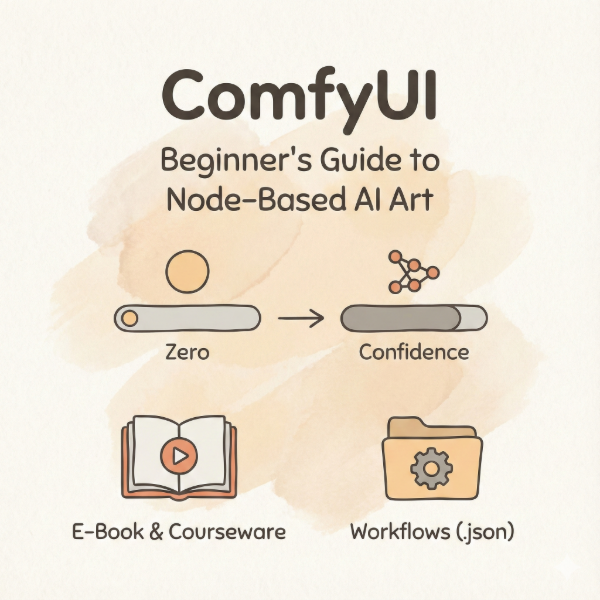
Course Format: Digital e-book with interactive HTML courseware and ready-to-use workflow files (.json)
Course Highlights:
- Master ComfyUI Manager for one-click plugin installation and missing node fixes
- 5 must-have "god-tier" plugins recommended: Translation, Custom-Scripts, rgthree, Crystools, Efficiency Nodes
- Complete LoRA mounting techniques with trigger word management and multi-LoRA stacking
- ControlNet fundamentals: Canny edge detection, preprocessors, and model pairing
- Professional inpainting workflows for fixing hands, changing clothes, and removing objects
- Ultimate SD Upscale: Generate 4K images without VRAM overflow using tiling technology
What You'll Learn:
- Lesson 6: ComfyUI Manager installation, plugin ecosystem, and troubleshooting red box errors
- Lesson 7: LoRA loading, strength parameters, daisy-chaining multiple LoRAs, and trigger word strategies
- Lesson 8: ControlNet setup with Canny preprocessing for precise composition control
- Lesson 9: Inpainting and masking techniques for targeted image modifications
- Lesson 10: Two upscaling schools (Latent vs Pixel) and Ultimate SD Upscale for 4K outputs
Who This Course Is For:
- ComfyUI users who completed the beginner course
- Artists wanting precise control over AI-generated compositions
- Designers needing professional-quality outputs for commercial work
- Anyone struggling with plugin installation or image quality issues